Reward Verification Page
The reward verification page is a dedicated webpage for academies created through TrainerCentral, designed to authenticate their learners' rewards. Whenever a learner showcases their reward on LinkedIn or other social platforms, anyone can check its authenticity through this webpage.
 To access the reward verification page, use the following URL format:
<academy’s learner domain>/credential-validation e.g. https://zylkertechtraining.com/credential-validation
To begin with,
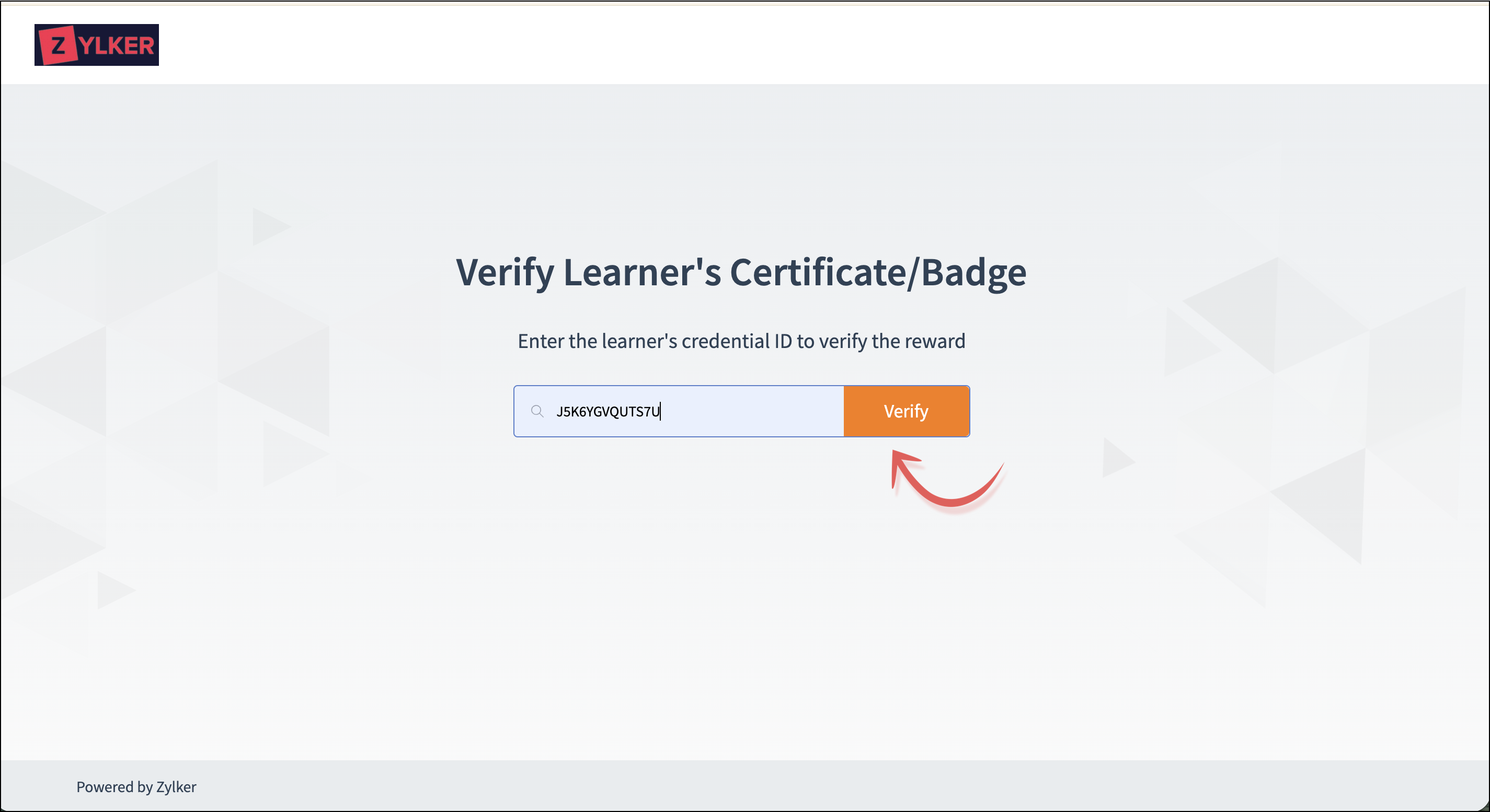
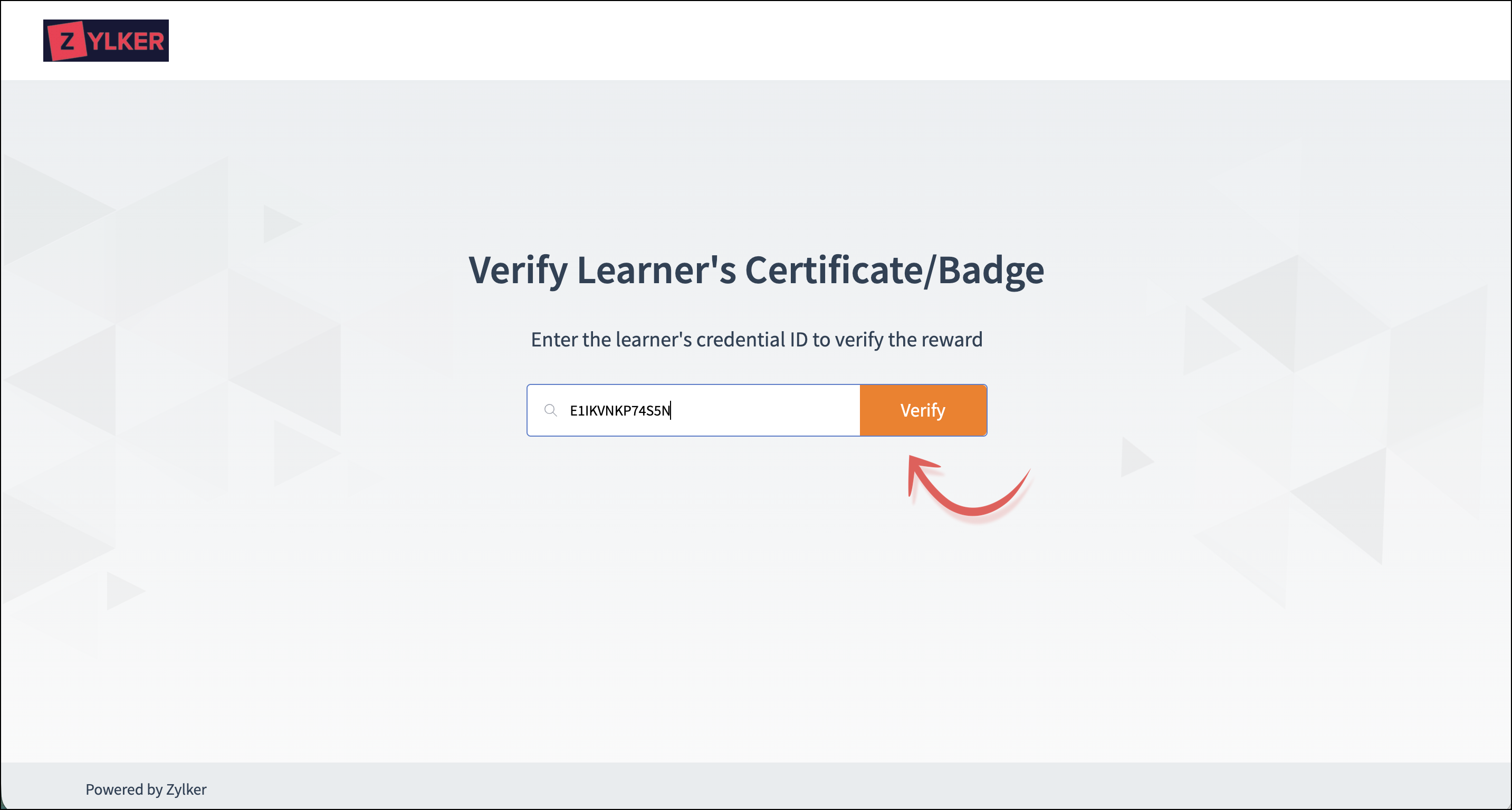
- Navigate to the reward verification page.
- Enter the learner's Credential ID to verify the reward.
- Click Verify.
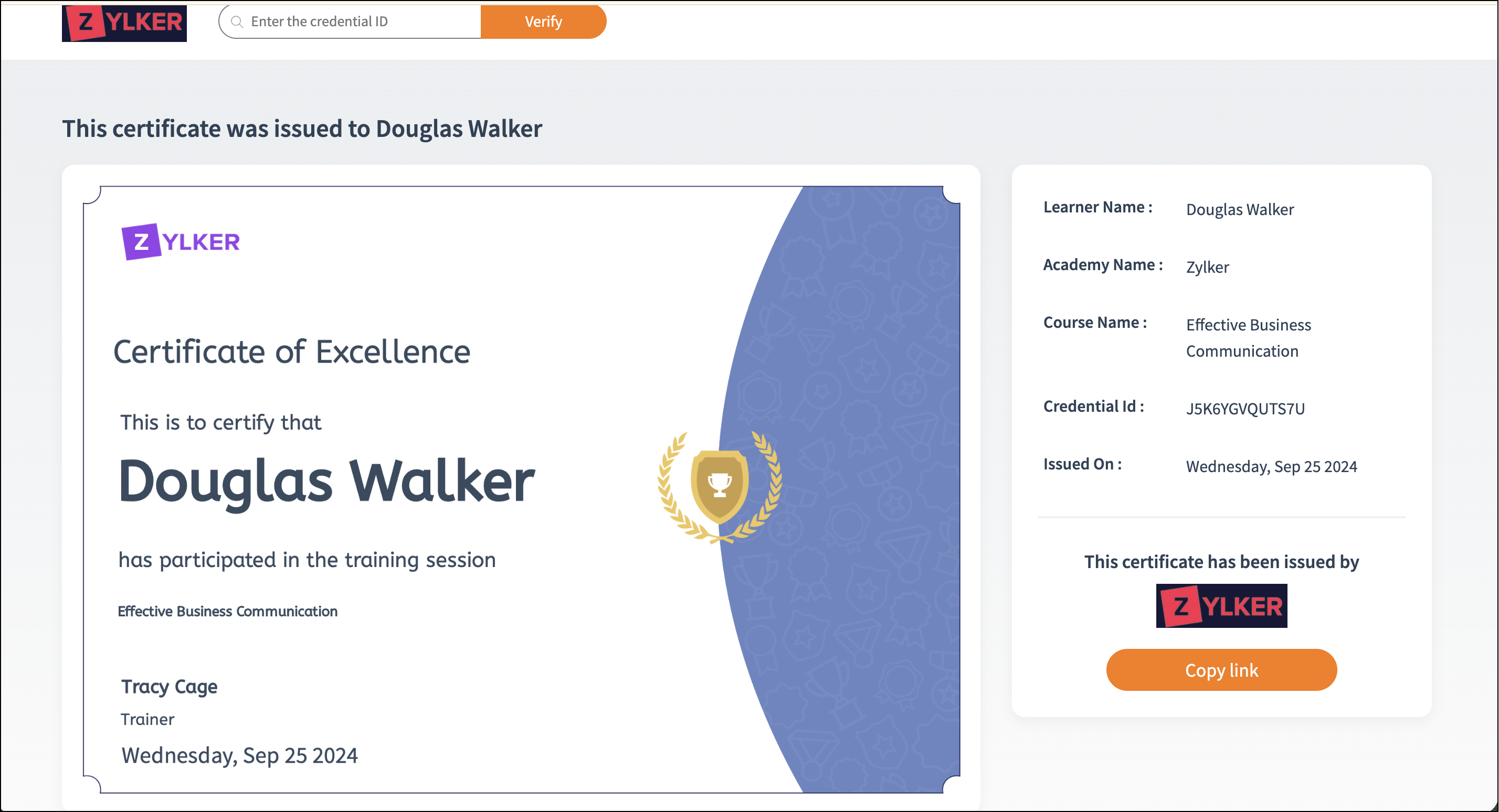
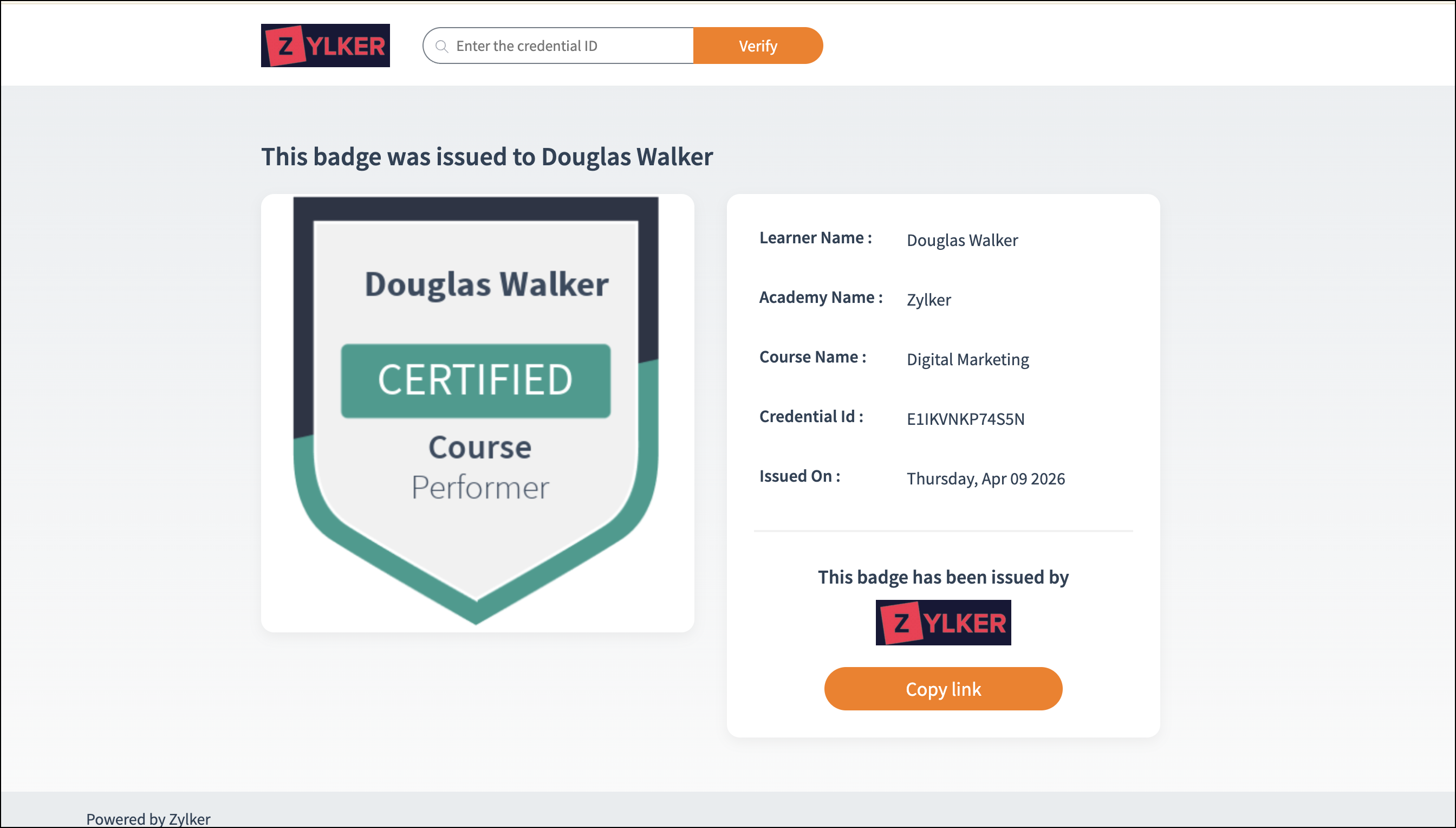
The reward will be displayed with credentials like:
- Learner Name
- Academy Name
- Course Name
- Credential ID
- Issued on
Let’s view the reward verification page and the learner’s reward details for both the certificate and badge below.
Certificate:
Reward verification page
Learner's certificate
Badge:
Reward verification page
Learner's badge
To search for another reward:
Certificate:
Reward verification page
Learner's certificate
Badge:
Reward verification page
Learner's badge
To search for another reward:
- Enter the Credential ID you want to search for at the top left of the page.
- Click Verify.
The required reward details will be displayed.