Unsubscribe from email notifications
As a learner, you have the option to unsubscribe from the academy’s email notifications.
Steps to unsubscribe emails
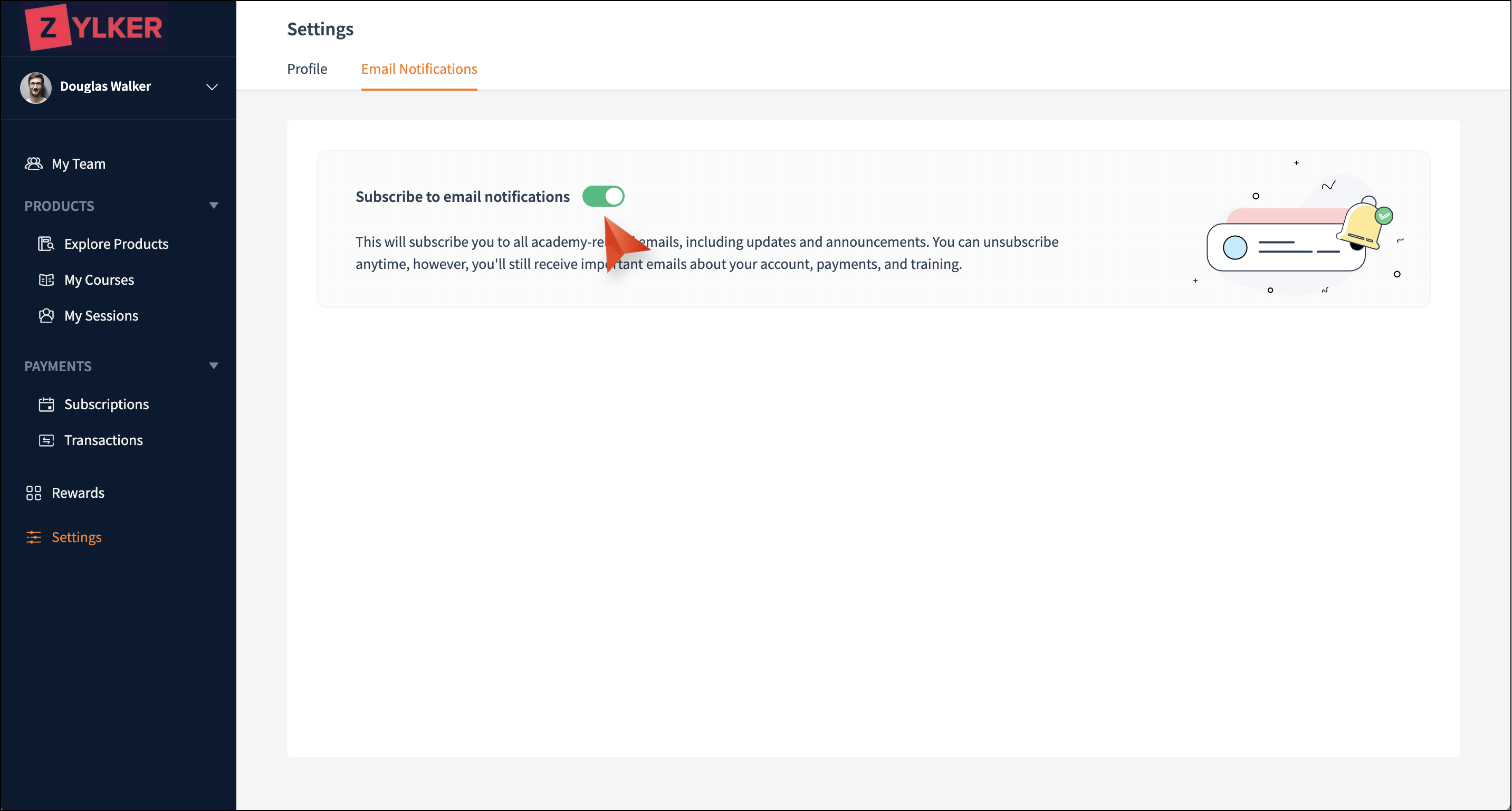
Steps to unsubscribe emails
- Select the Settings tab in the left pane.
- Select the Email Notifications tab. By default, Subscribe to email notifications will be enabled.
- Toggle the Subscribe to email notifications button to unsubscribe from the academy’s emails.

You'll still receive important emails about your account, payments, and training.