Keep learner data safe with password-protected files

Hello Trainers,
TrainerCentral offers several features to ensure data privacy and security within the platform. But how do you protect data when a file is exported and shared with an external entity?
Welcome to TrainerCentral’s Spotlight Post series. In today’s post, we’ll highlight a feature that lets you set passwords to open a file that provides an additional layer of protection for your files.
Set Password 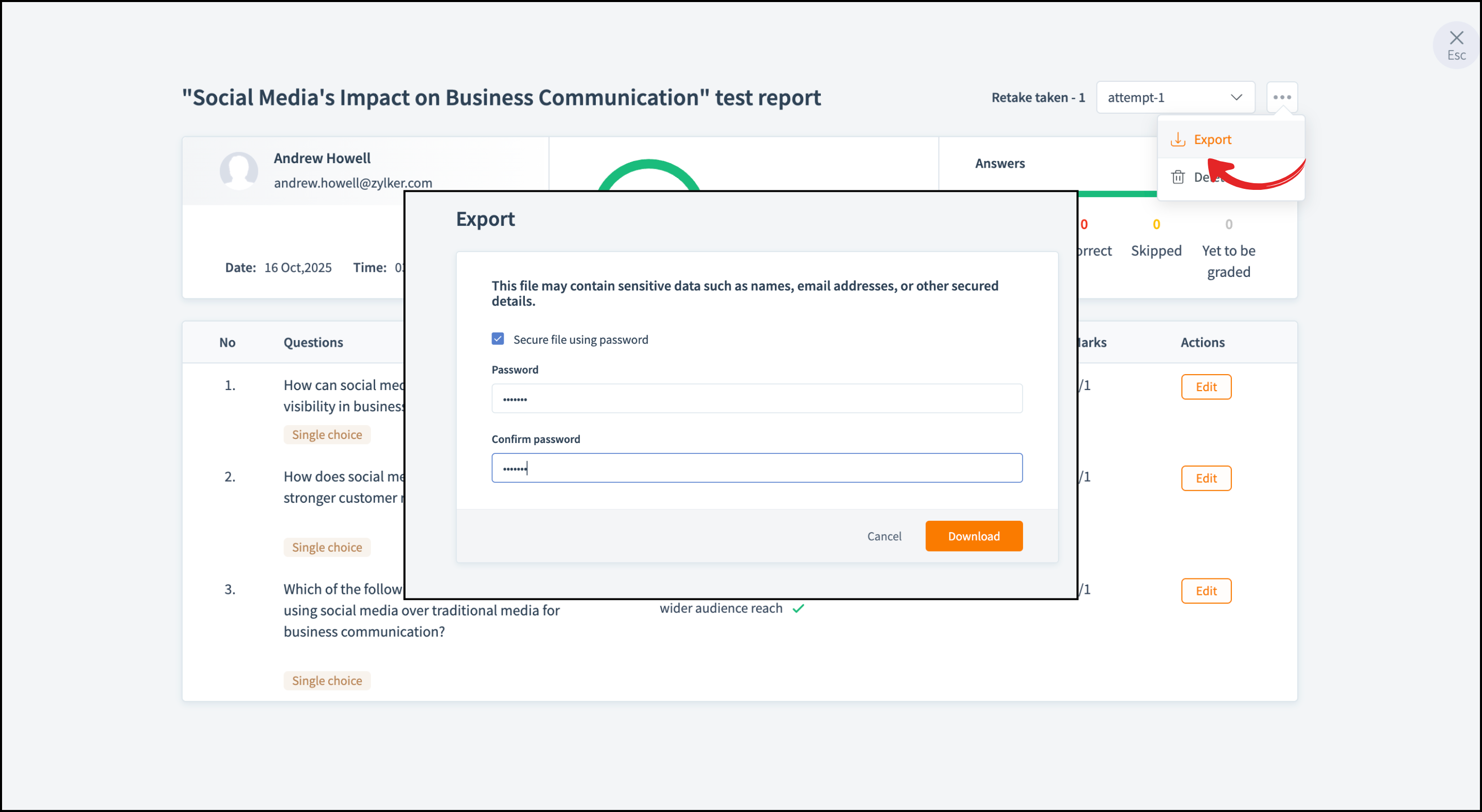
This feature is available for all export files across the academy. Whether you’re sharing learners’ test reports, course progress, or other files that contain learner details, it helps you stay in control of who can access your content.
Let’s say you run a training institute and train employees of large organizations. You assess their subject knowledge through challenging assessments. Once the assessment is complete, you might want to share the test report with the organization. Now, you can protect it with a password and share it only with the concerned person. 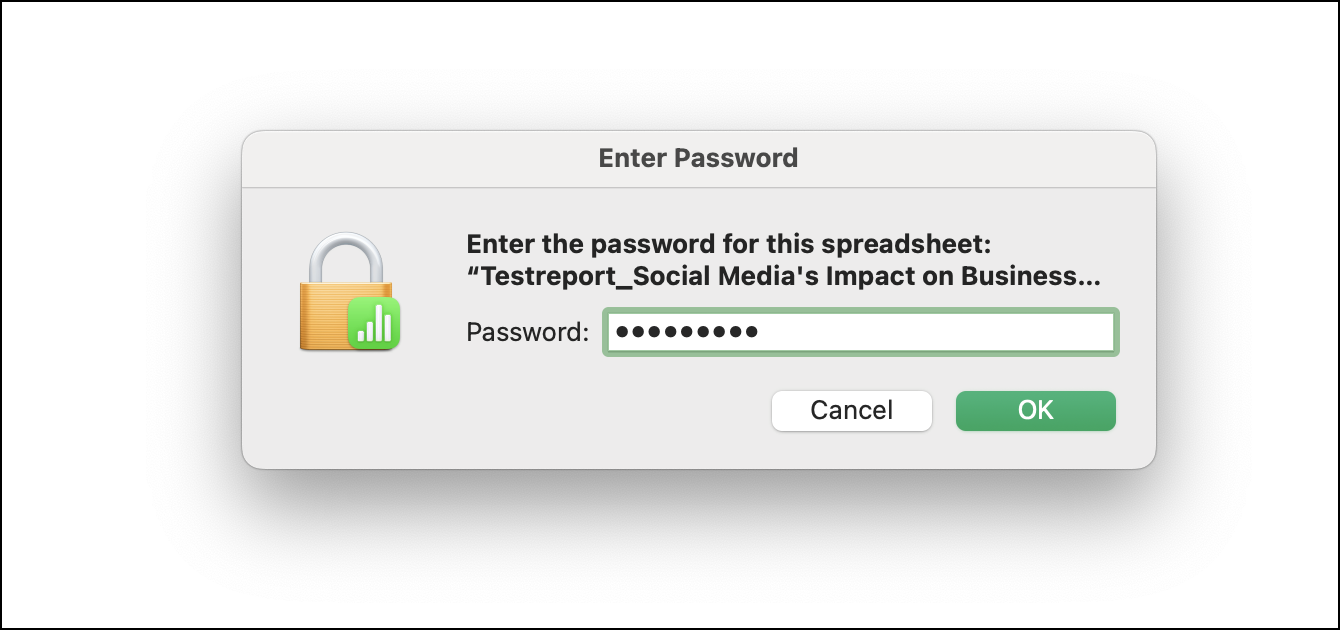
This way, you can ensure learners' privacy while reducing the risk of sensitive information being shared publicly.
If you have any questions, ask us in the comments, and we'll be happy to help.
You can view our previous Spotlight post here.