Manage multi-factor authentication

Manage Multi-Factor Authentication

In TrainerCentral, trainers can set multi-factor authentication (MFA) for learners to access the academy. This will protect your learner's account from unauthorized access.

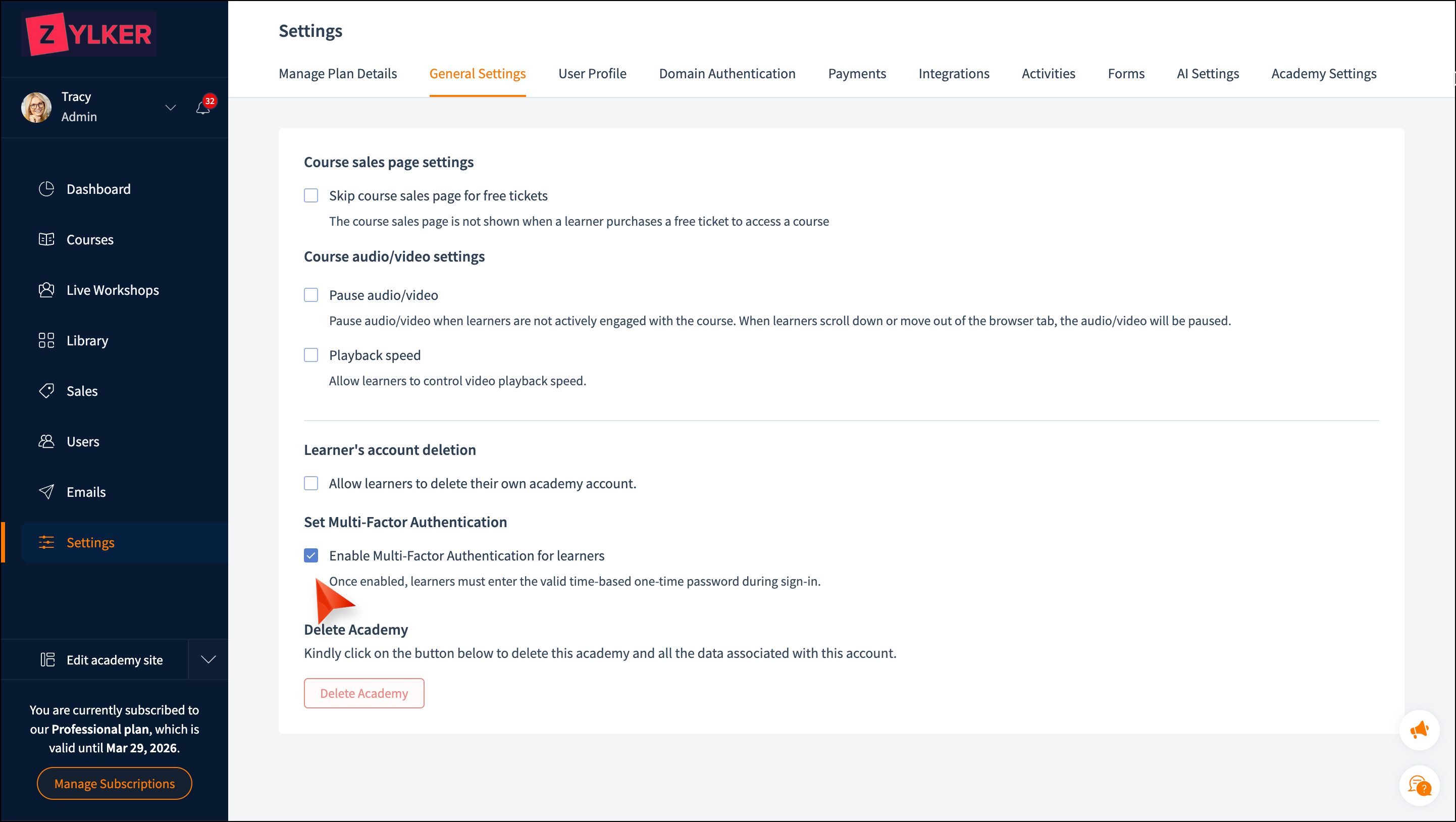
How to enable Multi-Factor Authentication (MFA)

  1. Click the Settings tab in the left pane.
  2. Select the General Settings tab.
  3. Select Enable Multi-Factor Authentication for learners.


How to disable Multi-Factor Authentication
(MFA)

  1. Click the Settings tab in the left pane. Select the General Settings tab.
  2. Unselect Enable Multi-Factor Authentication for learners.
Notes
You can only enable and disable the MFA at the academy level.

How to reset MFA for individual learners

When the learner asks you to reset their MFA, follow these steps
  1. Click the Users tab in the left pane.
  2. Select the email address link for the person who needs to reset the MFA.
  3. Click the Reset MFA link in the learner profile. The learner must re-register and sign into MFA to access the account.
Notes
You can only reset MFA for individual learners. This option will be available only if the learner has previously registered and signed in for the MFA.


    • Related Articles

    • How to sign in using multi-factor authentication

      Trainers can strengthen the academy's account security by enabling multi-factor authentication (MFA). In addition to entering your login credentials, you must verify your identity by providing a one-time verification code generated by an OTP ...
    • Manage Navigation

      With any page you add your site, it is important to configure the navigation path correctly. With TrainerCentral, it is very easy to set this path and take your academy live with the rightly linked pages. This help article is for old site editor and ...
    • Create and manage communities

      Communities let you create dedicated discussion spaces where learners can interact, collaborate, and participate in conversations beyond your courses. You can organize discussions into multiple spaces, manage members, configure pricing, and publish ...
    • Create and manage Question Banks

      Question Banks help you create and organize reusable questions that can be used across your assessments. Instead of creating the same questions repeatedly, you can maintain a centralized repository of questions, group them into topics, and add them ...
    • Create and manage assessments in TrainerCentral

      Assessments in TrainerCentral let you create and sell tests as standalone products, without including them in a course. Whether you're conducting certification exams, placement tests, skill assessments, or practice quizzes, assessments provide a ...