TrainerCentral 2.0 is here: One platform, expanded capabilities, greater scalability
We couldn’t be more excited to share what’s new!
This release brings expanded capabilities across content creation, learner engagement, assessment delivery, and content security. And for the first time, TrainerCentral is powered by AI—making it easier than ever to build, deliver, and scale your training business.
Let’s take a closer look at what’s new.
Powered by Zia—now in TrainerCentral
Welcome to Zia, Zoho’s AI assistant, now integrated into TrainerCentral. With Zia, course creation is faster, smarter, and ready when you are. No blank pages. No bottlenecks.The content is ready when you need it, because it’s training-ready from the first draft. Mid-session you realize a concept needs more depth. Zia drafts it before the class is over. Your courses stay current, your time is saved, and your revenue reflects it. 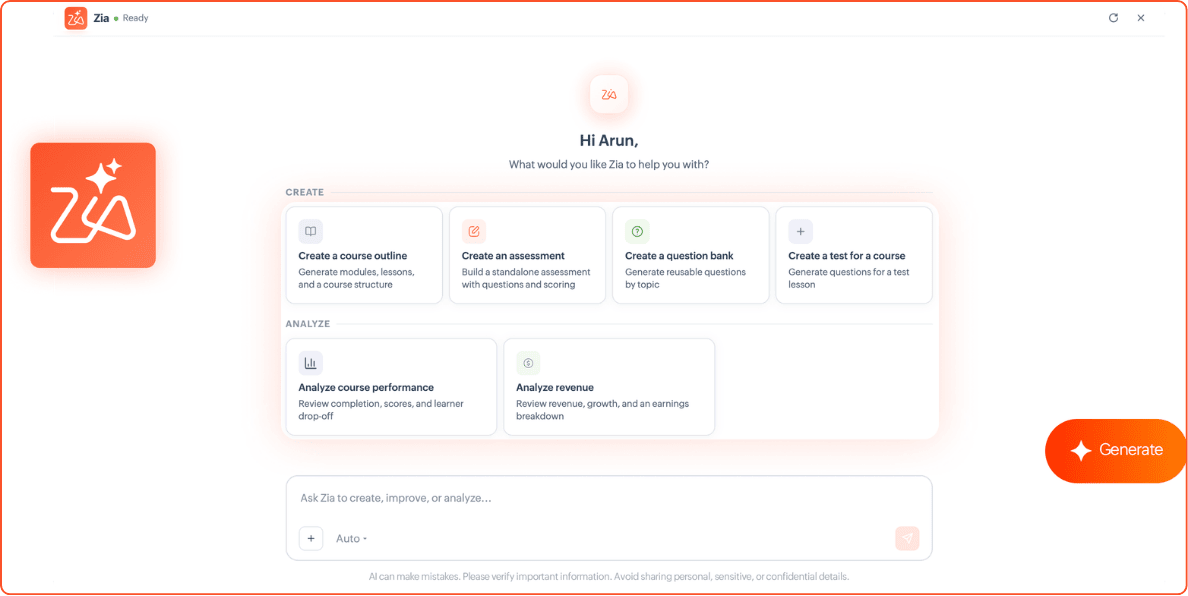
What Zia can do for you
Build your course outline
Describe your course topic, difficulty level, and duration. Zia will create a structured curriculum with organized modules and lessons. Review, customize, and start creating your course in minutes.
Draft lesson content
Generate lesson content for any topic in your curriculum to reduce content production time and get your courses to market faster.
Generate assessments and question banks
Zia helps generate a variety of question types for your courses or standalone assessments. Build your question bank, review, edit, and publish when you’re ready.
Uncover business insights
Your business insights are just a prompt away. Ask Zia about learner progress, revenue, or enrollments, and get the answer instantly—no digging through numerous reports.
Connect the AI you already use
Zia works with TrainerCentral’s built-in Zoho AI (or your existing ChatGPT, Gemini, or Claude subscription), giving you the flexibility to choose what works best for your business.
Learn more about Zia in TrainerCentral
SCORM support: Bring your existing content to TrainerCentral
Switching platforms shouldn’t mean starting over. TrainerCentral now supports SCORM 2004, so you can upload packages from any SCORM-compatible authoring tool and deliver interactive learning experiences with quizzes and simulations exactly as you designed them. Learner progress, scores, and completions are tracked automatically. Learn more.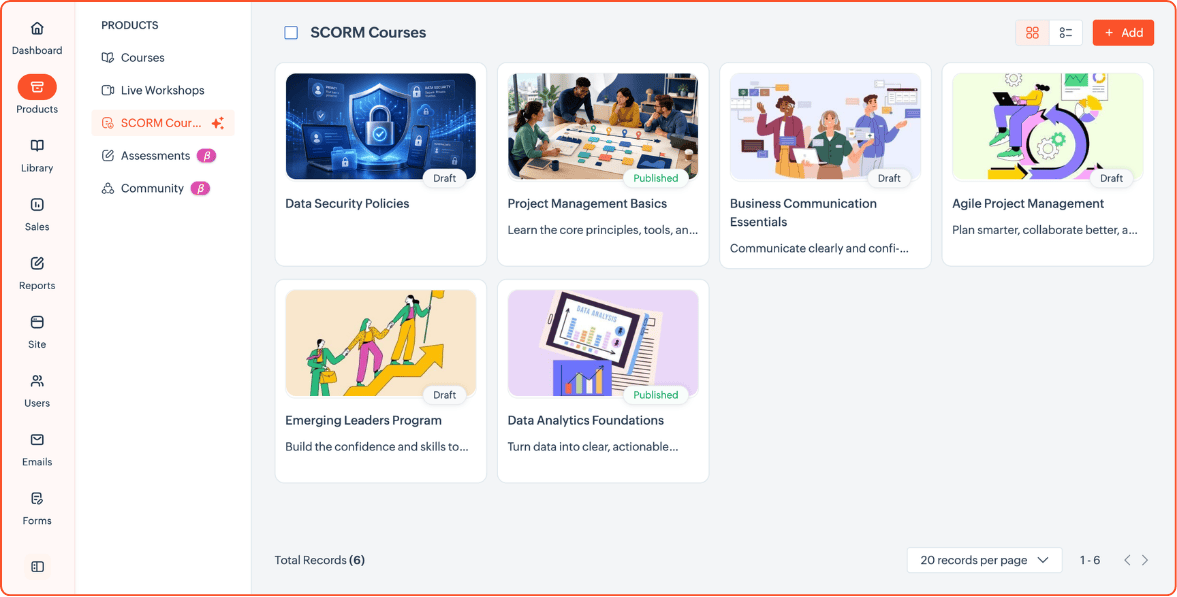
Communities: From learners to long-term members
We’re excited to introduce Communities, dedicated spaces within your academy where learners connect, share, and continue learning beyond any single course. Create one community with multiple organized spaces based on topics, learner groups, or access levels. Learners automatically join default spaces and can explore others at their own pace. Open your community for free or charge for access, building a new engagement and revenue channel alongside your courses and assessments. Learn more.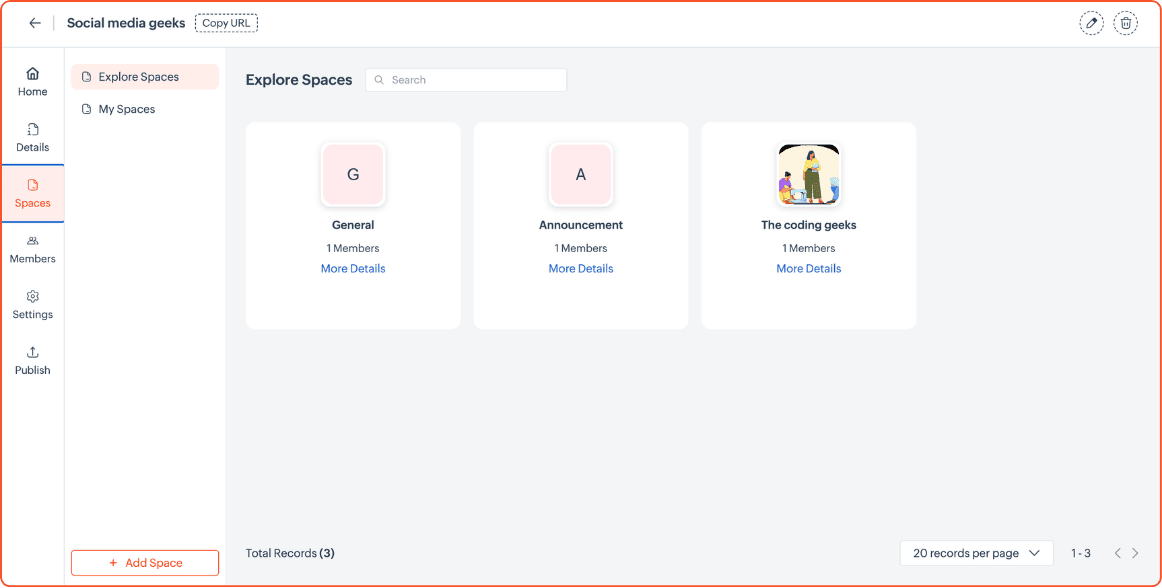
Build assessments for every training need
Not every learner needs a full course. Assessments in TrainerCentral 2.0 are independent products that are created, priced, and sold without being attached to any course. Run mock tests, skill assessments, or practice quizzes, and manage registrations and pricing seamlessly. Learn more.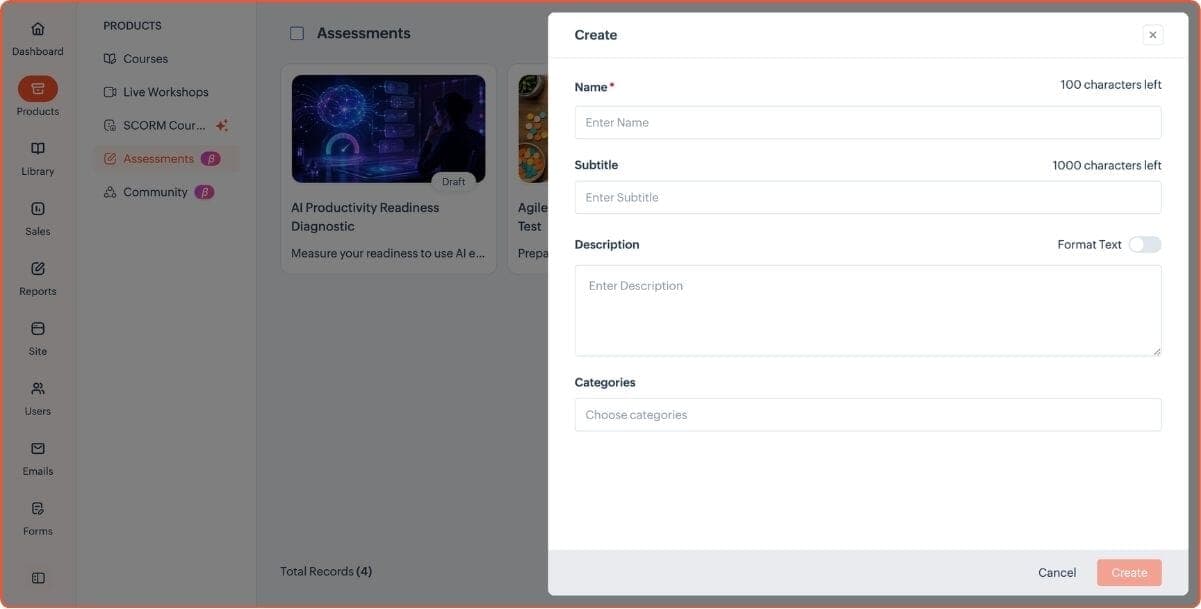
Desktop Apps: Controlled environment, trustworthy results
The TrainerCentral desktop app for Mac and Windows delivers secure learning and assessments your learners and clients can trust. Once enabled, screenshots are blocked, copy-paste is disabled, app switching is tracked, and external monitors are restricted. Learn more—Windows | Learn more—macOS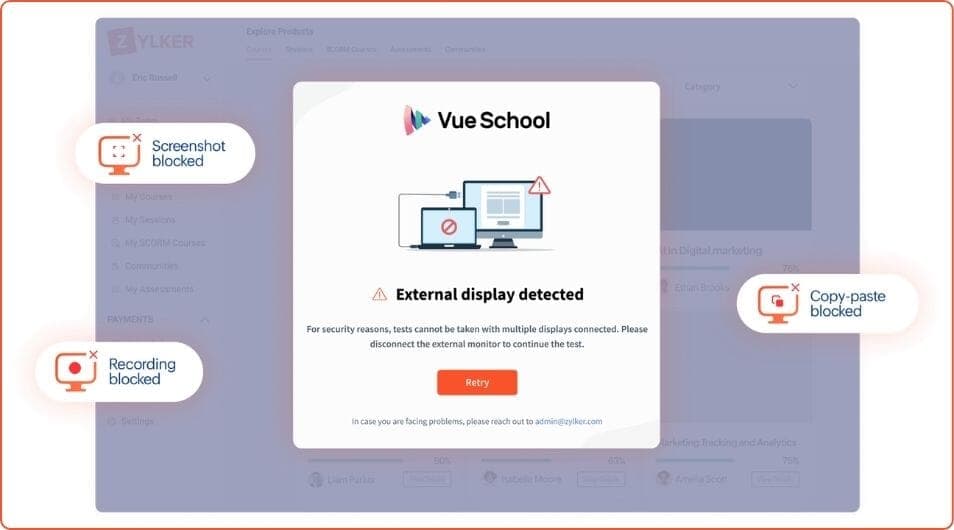
Dynamic Watermarking: Content security, maximized
TrainerCentral 2.0 comes with stronger content security. Dynamic Watermarking protects your video and PDF content by overlaying personalized identifiers unique to every learner and session. If content leaves without permission, it doesn’t leave without a trace. Learn more.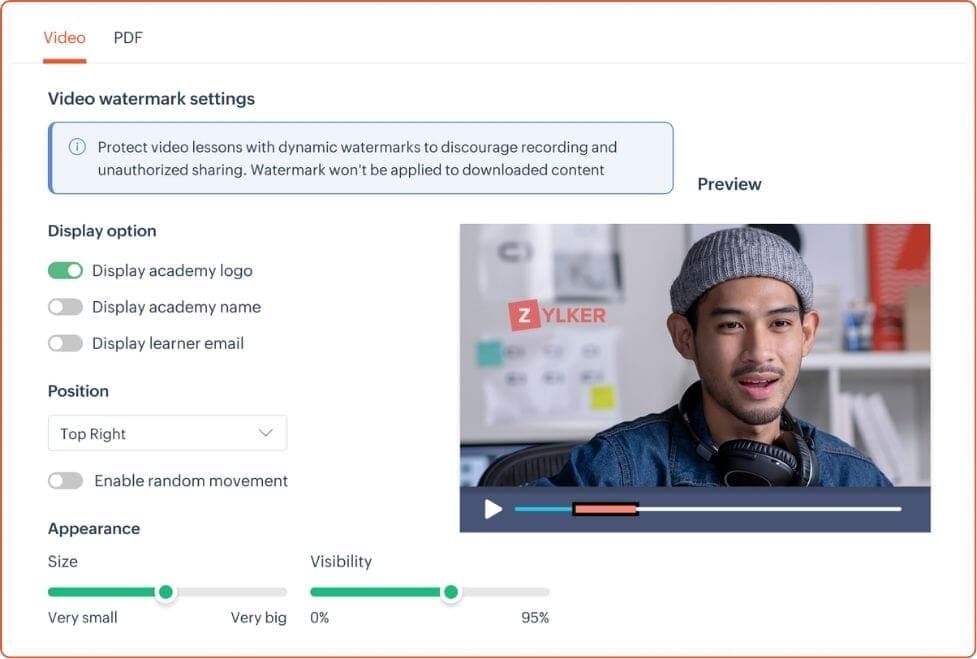
New UI: New capabilities, simple to navigate
TrainerCentral 2.0 ships with a completely redesigned interface with unified navigation, consolidated settings, and a cleaner experience across the platform. New or returning, everything you need is exactly where you’d expect it.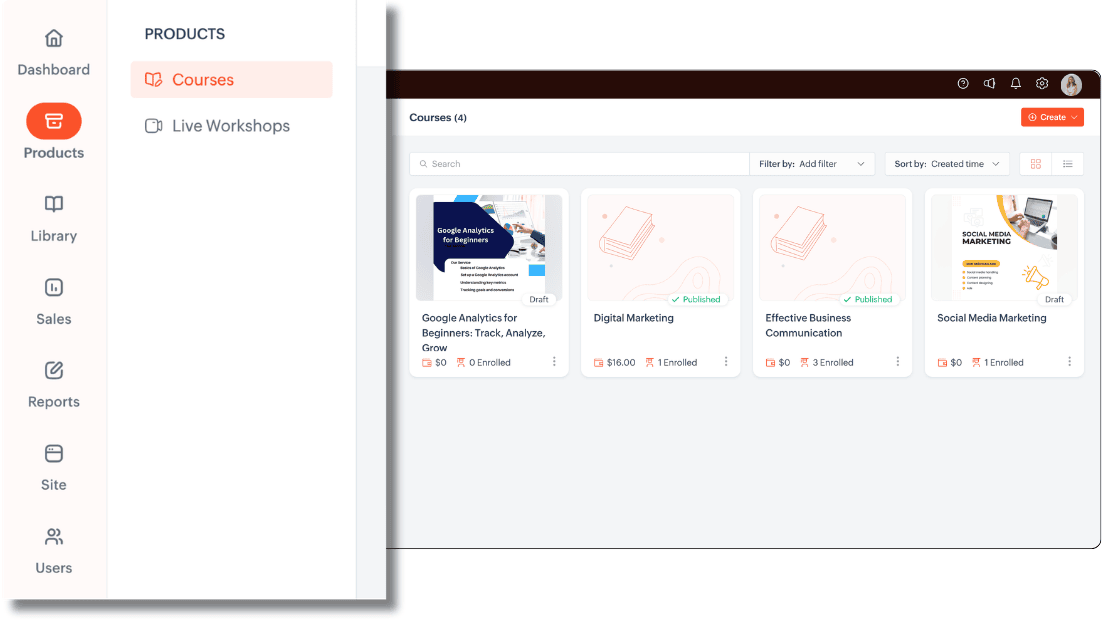
Try out TrainerCentral 2.0 and let us know what you think.
We’d love to hear how you’re using these new features. Share your experience in the comments below, or reach out to us at support@trainercentral.com. We’re always happy to help.